Desktop
Download now
macOS
Download OneKey for macOS to manage multi-chain assets, connect a hardware wallet, access Web3 apps, and review transaction details.
Choose the OneKey App version for your operating system, manage self-custody accounts and multi-chain assets, and connect a OneKey hardware wallet for on-device confirmation.
Download OneKey for macOS to manage multi-chain assets, connect a hardware wallet, access Web3 apps, and review transaction details.
Download OneKey for Windows to manage wallet accounts, connect hardware devices, review balances, and prepare multi-chain transactions.
Download OneKey for iPhone to view assets, manage accounts, prepare transfers, connect dApps, and use supported hardware wallet workflows.
Download OneKey for Android to manage crypto assets, send and receive tokens, connect Web3 apps, and use supported hardware wallets.
Download OneKey for Linux to manage self-custody accounts, connect hardware wallets, review assets, and prepare transactions.
Install the OneKey browser extension to connect dApps, switch networks, review signing requests, and manage Web3 wallet interactions.
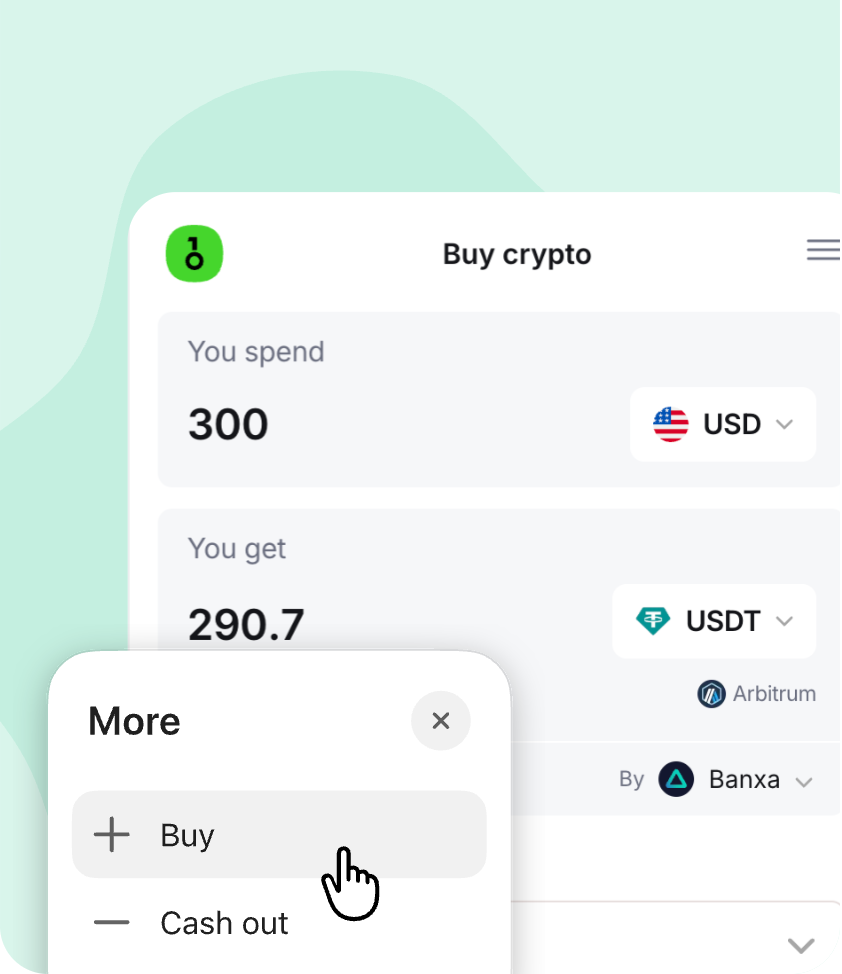
View accounts, manage assets, and access supported buy, sell, send, receive, swap, and staking actions from one wallet interface.
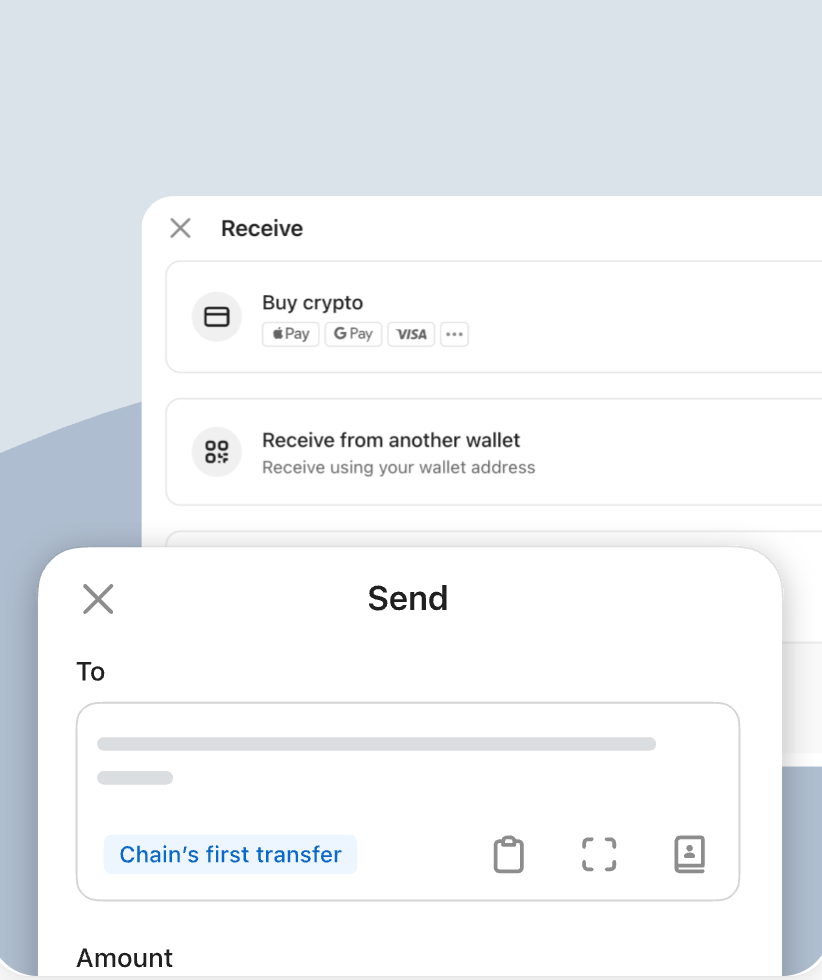
Review addresses, networks, amounts, and fees before sending or receiving crypto across supported networks.
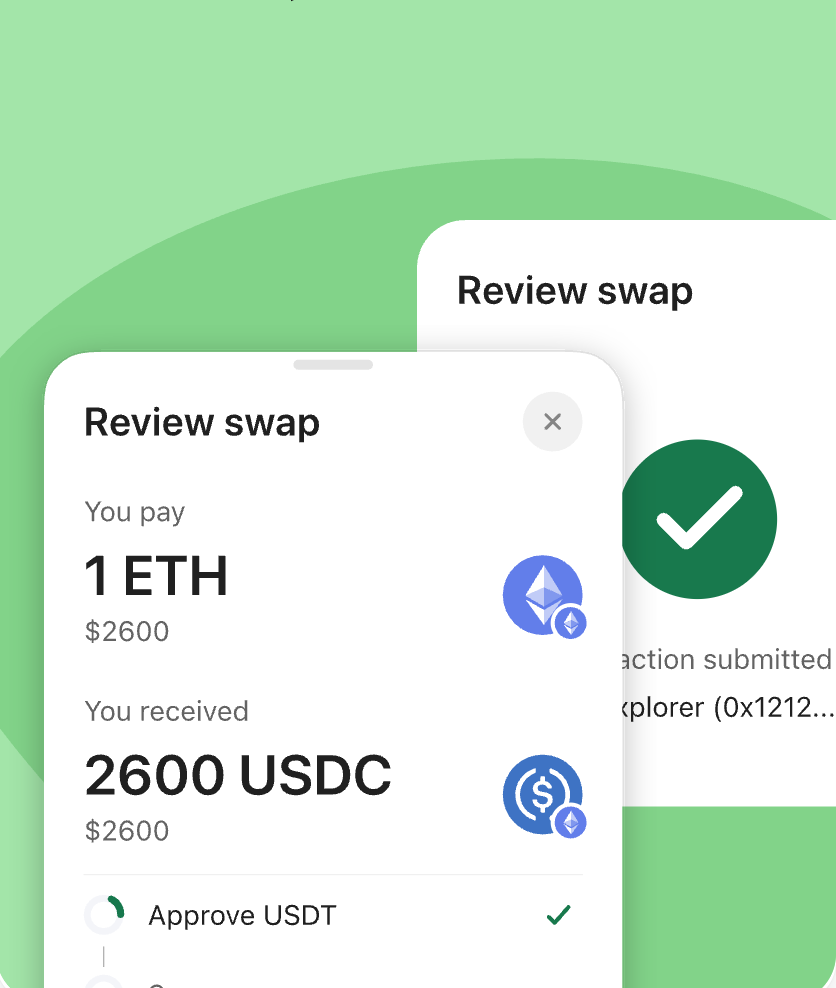
Compare available swap routes and quotes before confirming a token exchange in the wallet.
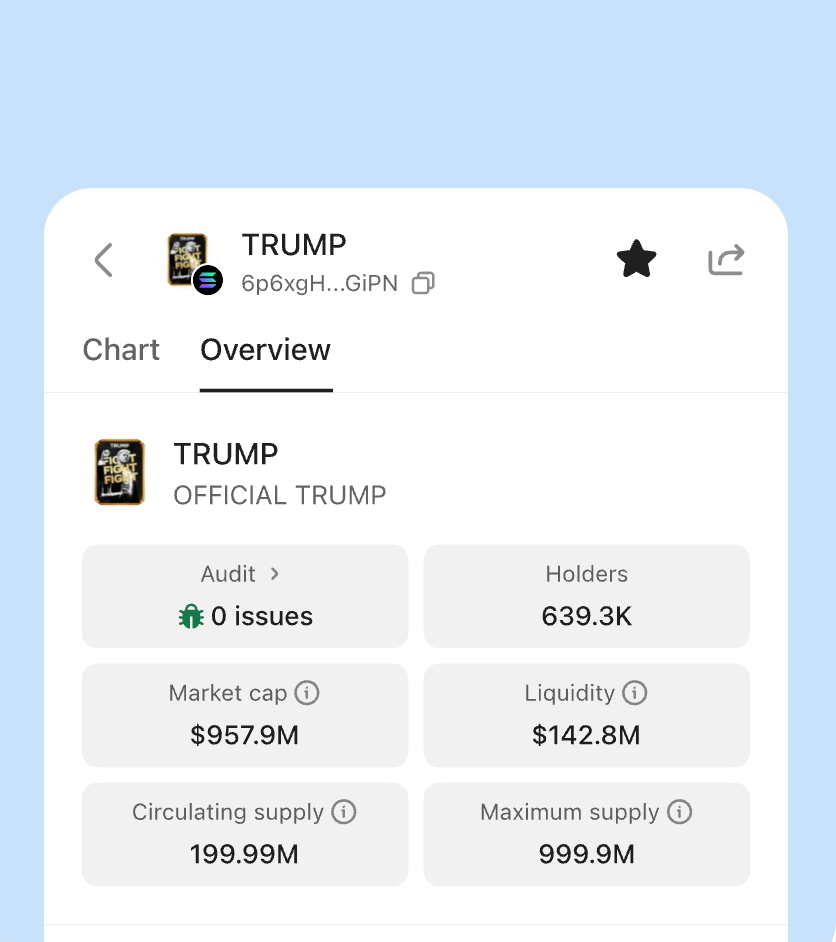
View market movement, portfolio status, and asset activity in one wallet interface.
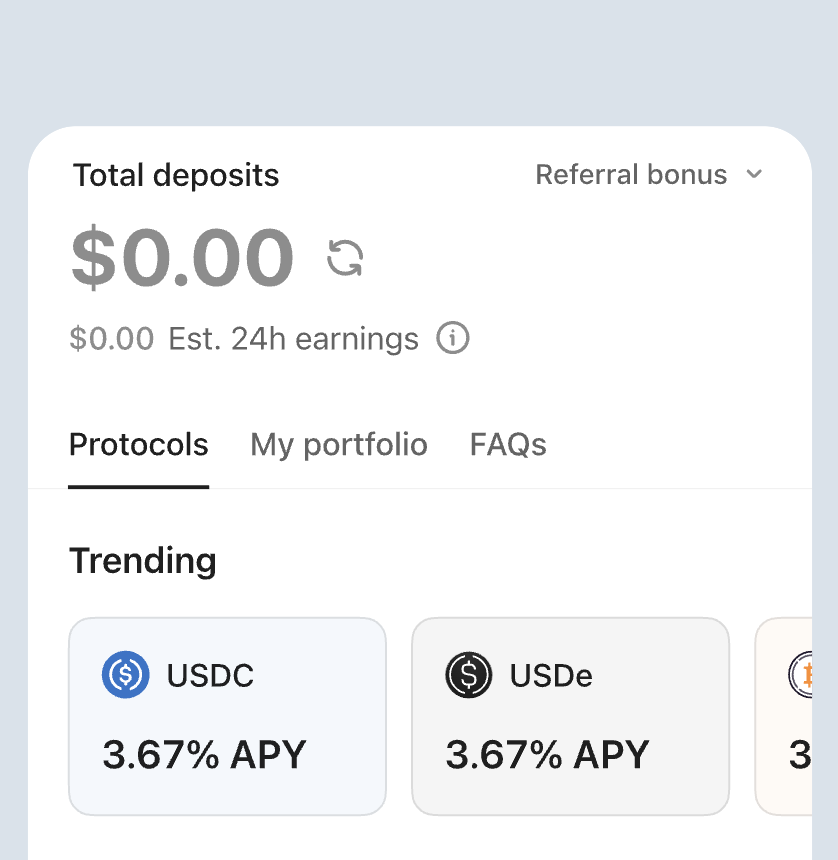
Review staking entries, asset status, and yield-related information from the same app experience.
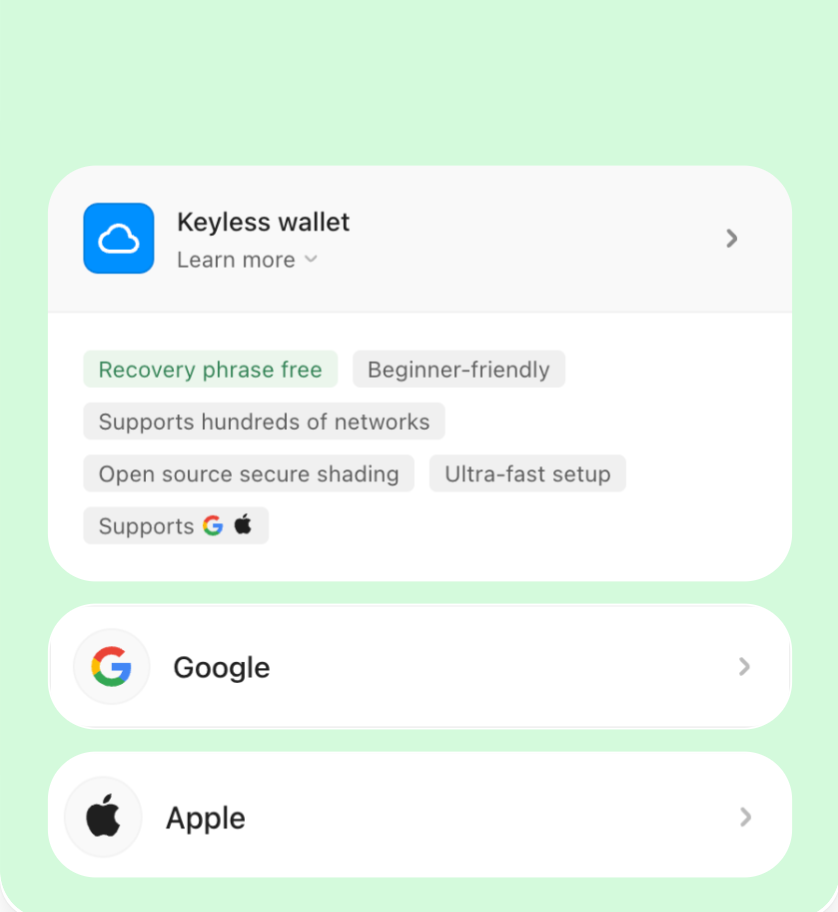
Create a new self-custody wallet or import an existing recovery phrase, then organize accounts and networks in OneKey App.
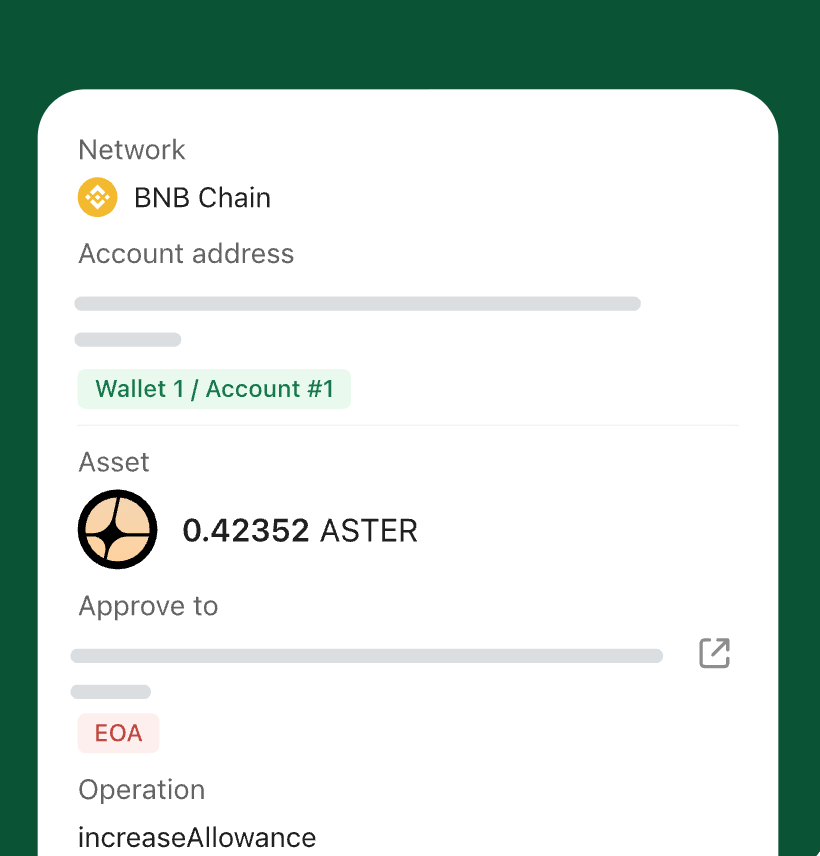
Review the connected site, network, account, and approval request before allowing a Web3 application to interact with your wallet.
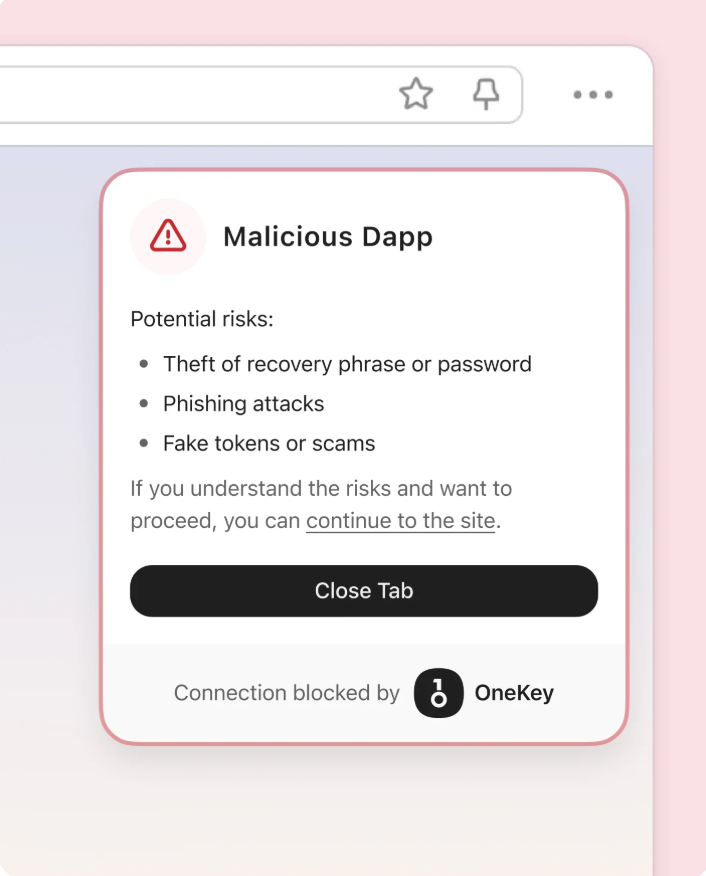
Review key transaction details such as address, amount, network, and approval content before confirming.
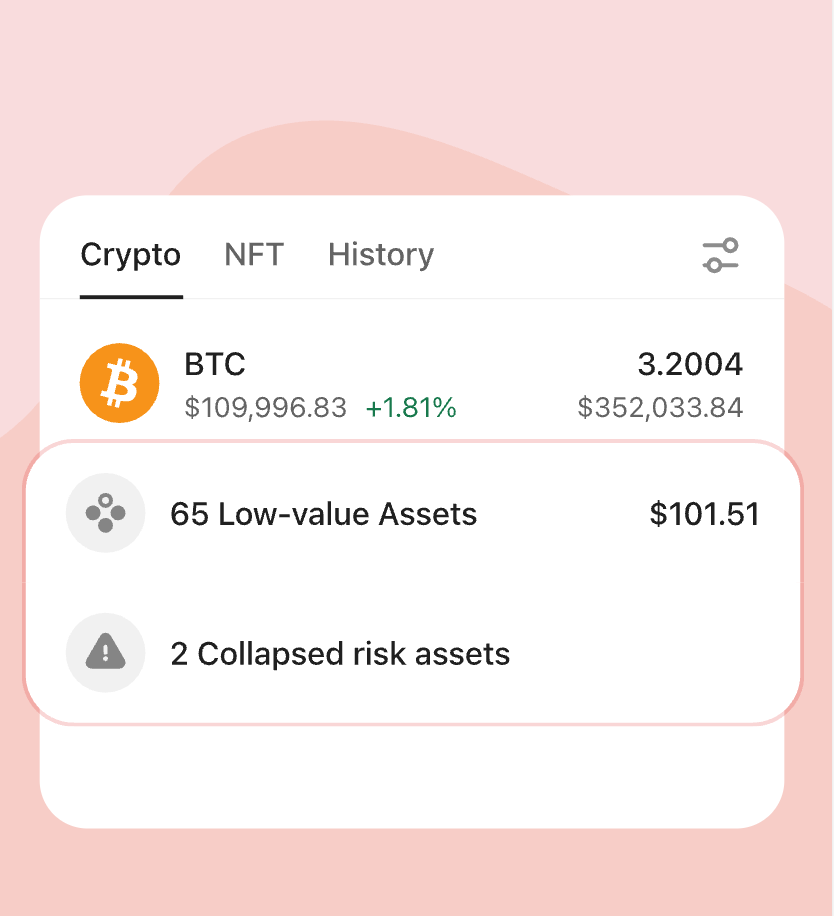
Organize token lists and reduce distractions from assets you do not actively manage.
Compare supported swap routes, quoted amounts, fees, price impact, and execution details before confirmation.
Add an app-level lock before key wallet actions and sensitive screens.
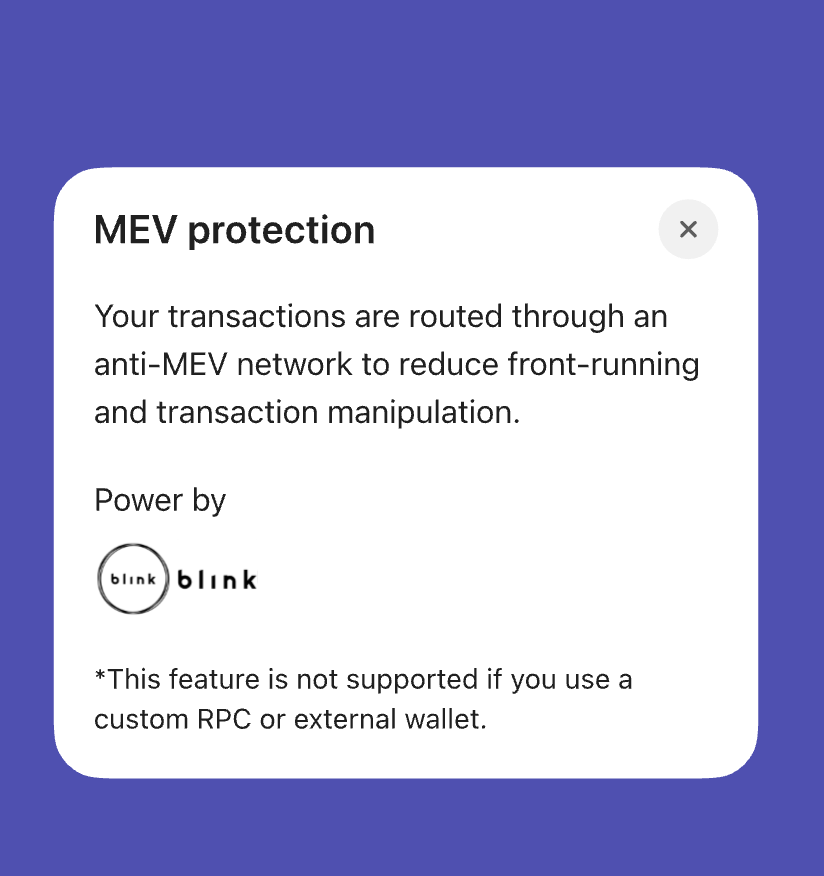
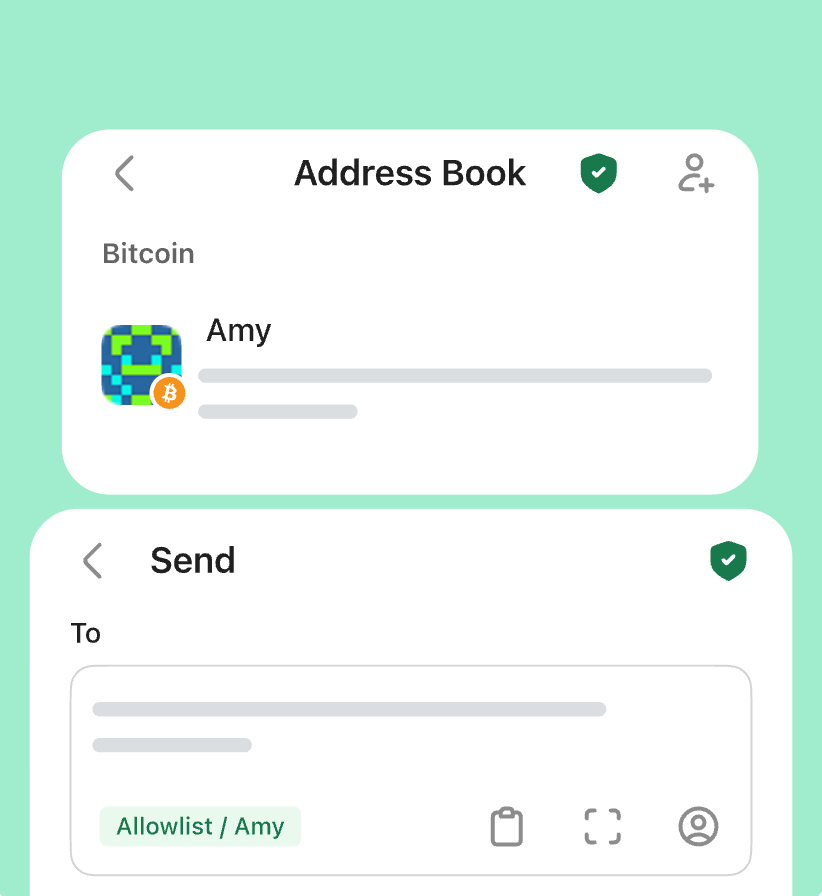
Save frequently used addresses as trusted contacts to make routine transfers easier to review.
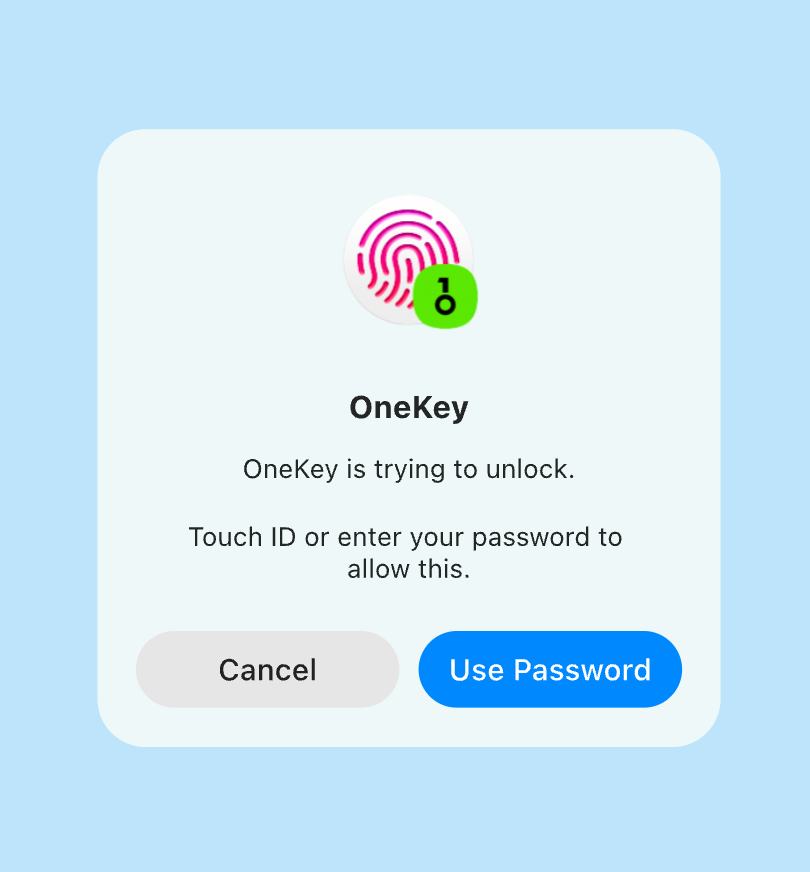
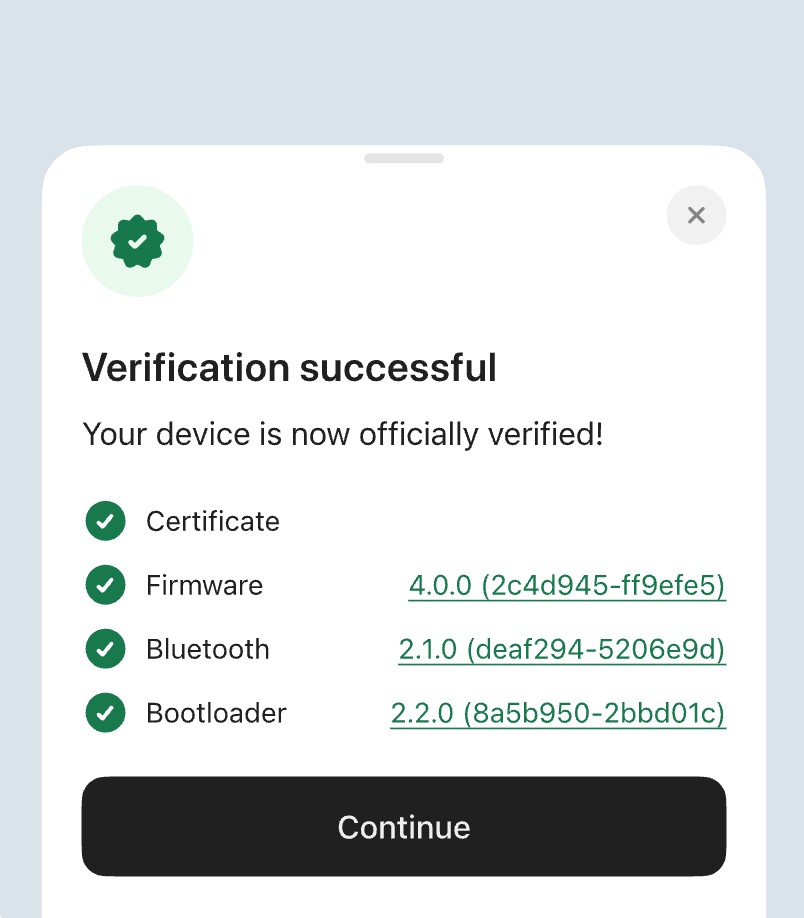
Use a connected OneKey hardware wallet to confirm key actions on a dedicated device.
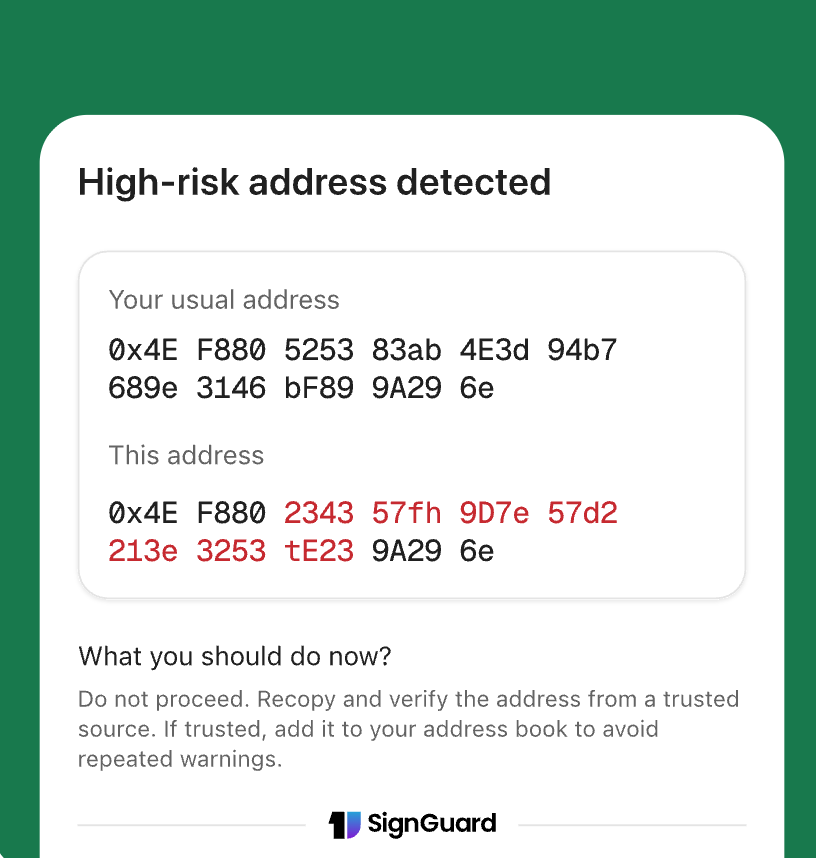
Review visually similar addresses before sending assets to reduce avoidable transfer mistakes.
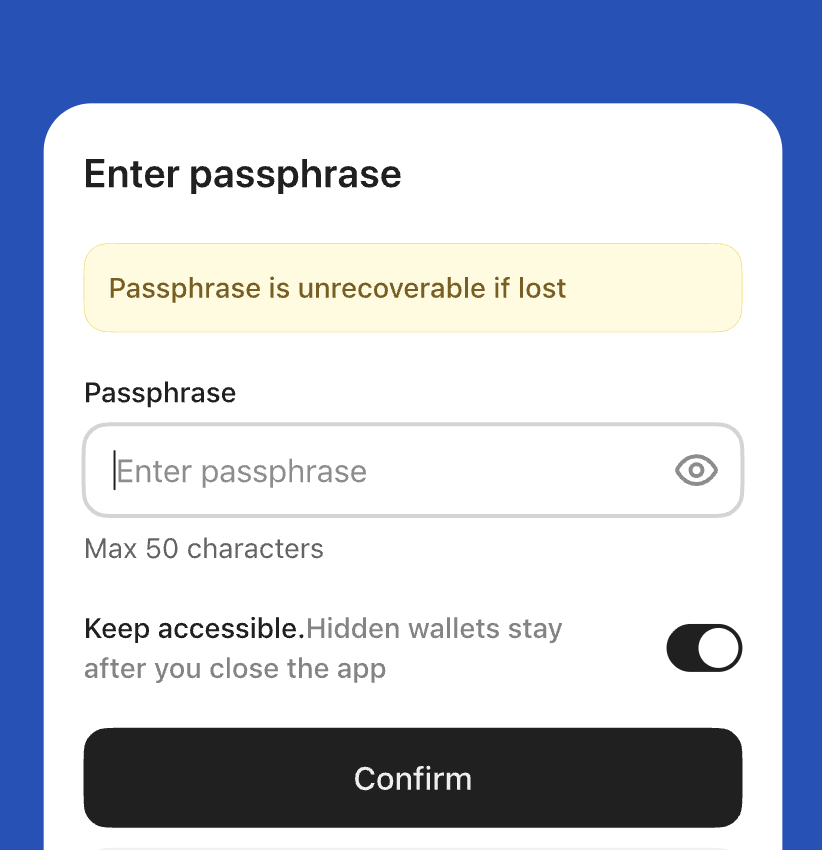
Use separated wallet views for users who prefer distinct account layers for different asset workflows.
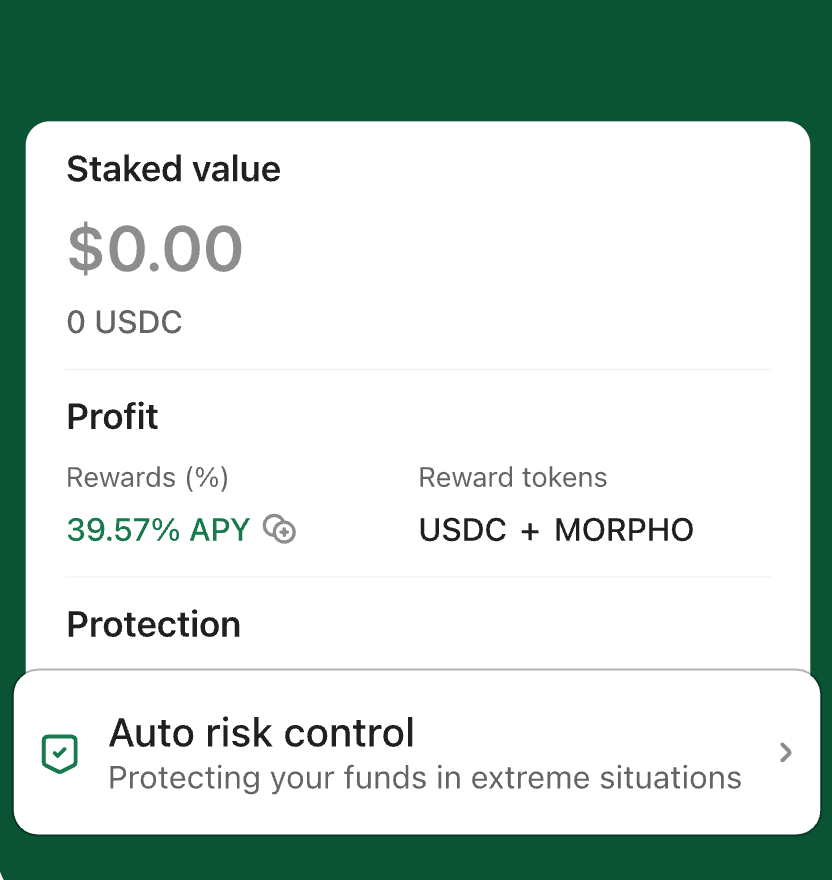
Review staking information, estimated yield details, and related prompts before taking action.



















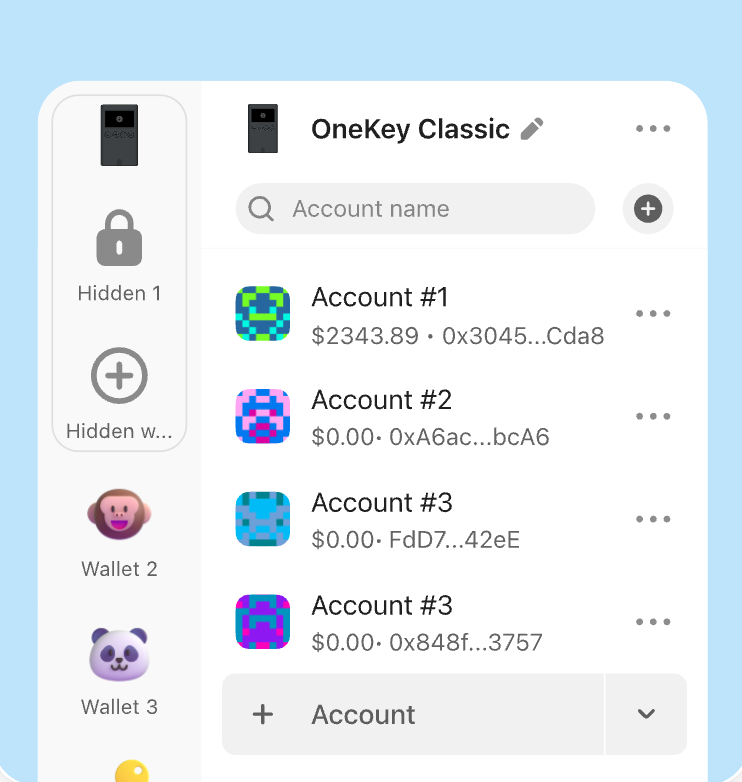
Manage wallets, accounts, networks, tokens, and portfolio views in one app across supported blockchains.
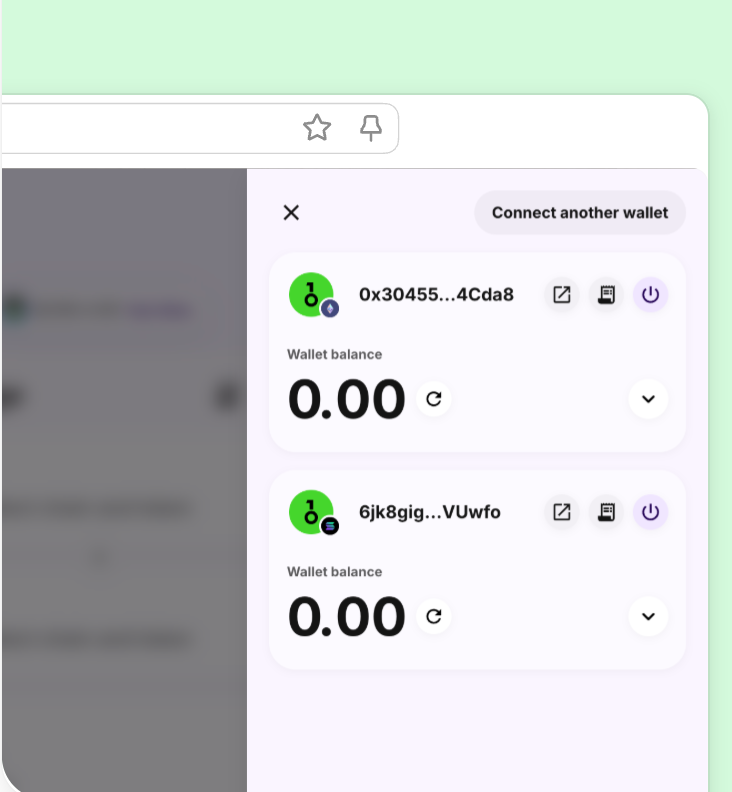
Connect Web3 apps across supported networks and review signing, approval, and asset interaction requests.
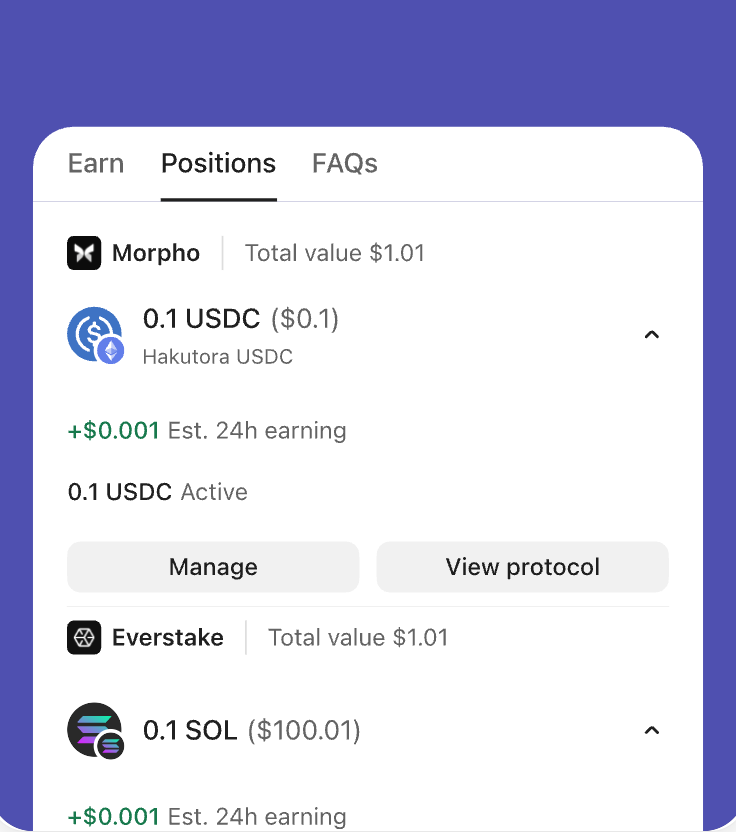
Review supported staking entries, protocol information, asset status, and related details from the wallet interface.
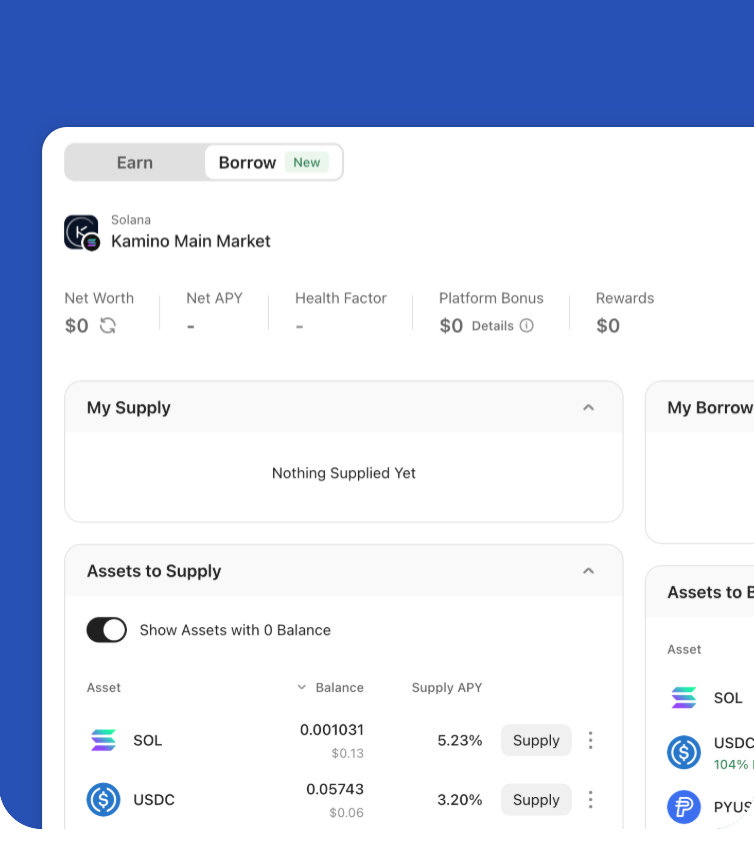
Keep long-term assets in self-custody while retaining access to supported swaps, staking, dApps, and other on-chain actions.
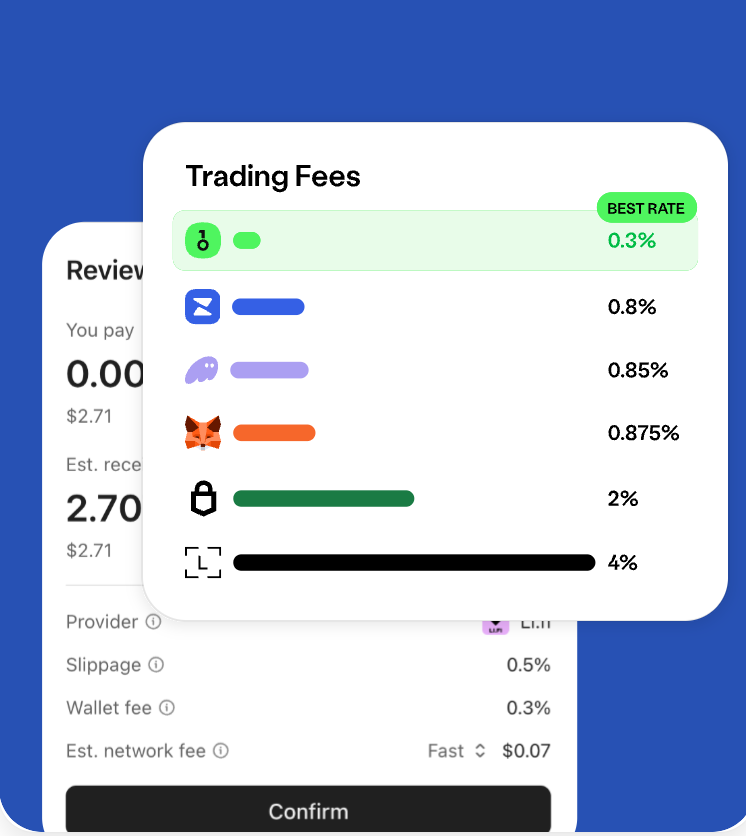
Review fees, route details, and key transaction information before submitting a wallet action.
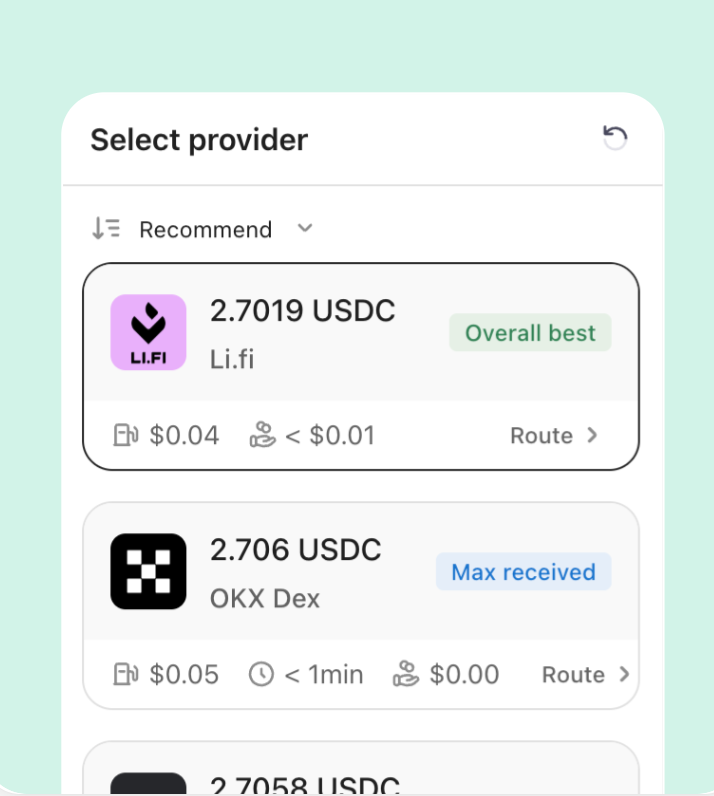
Compare available swap routes based on price, path, and execution details before confirming.
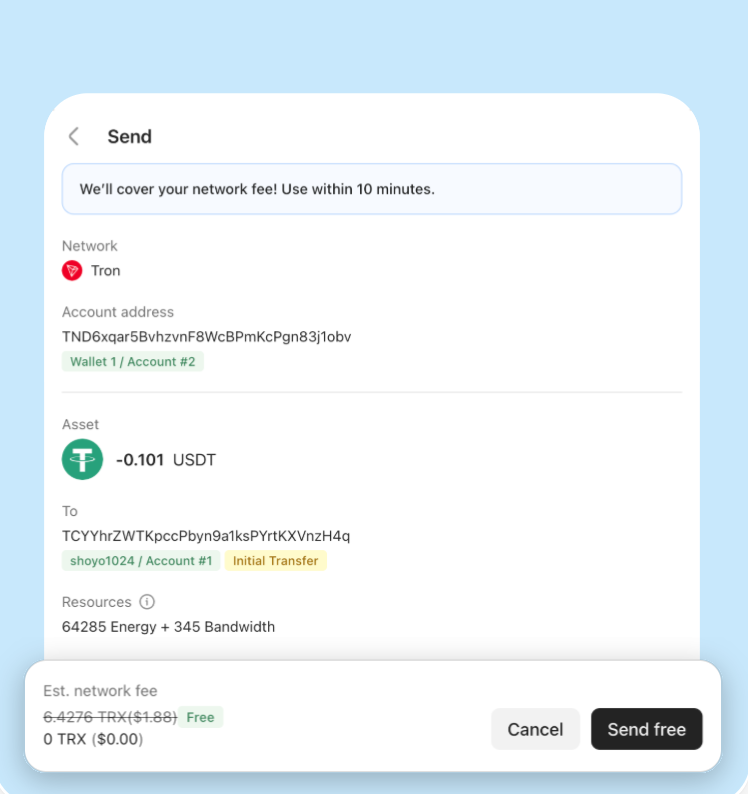
Use available TRON Energy in supported scenarios to improve the cost experience for transfers and on-chain actions.
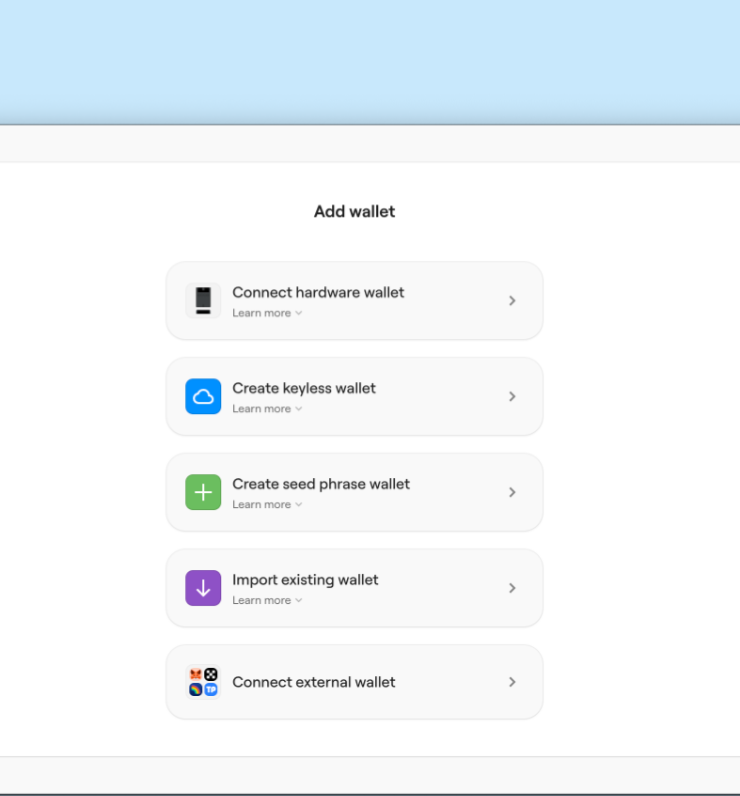
Enter supported trading flows from the wallet interface with fewer steps between account review and execution.
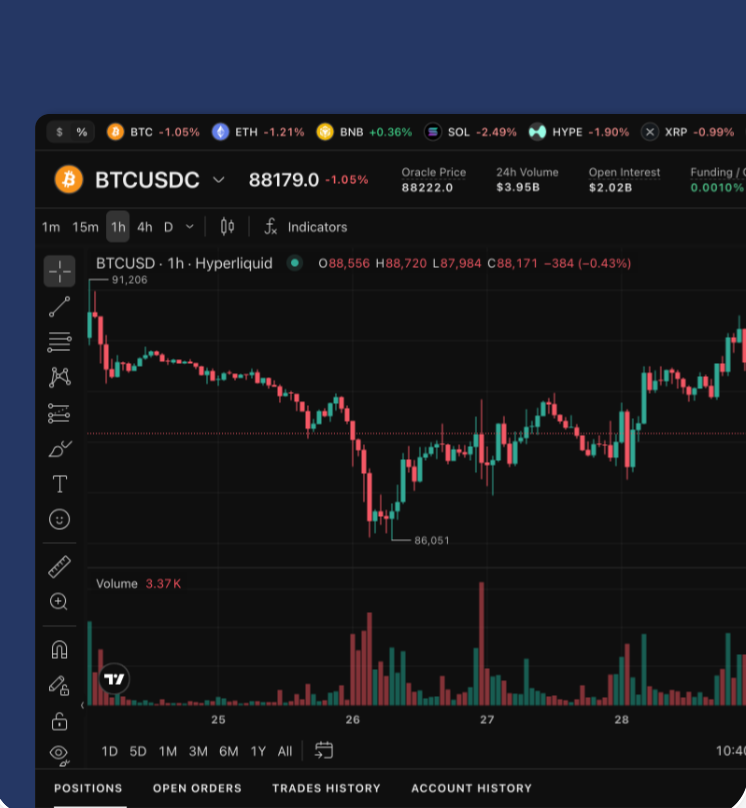
Use an interface designed for active market viewing, order preparation, and faster execution workflows.
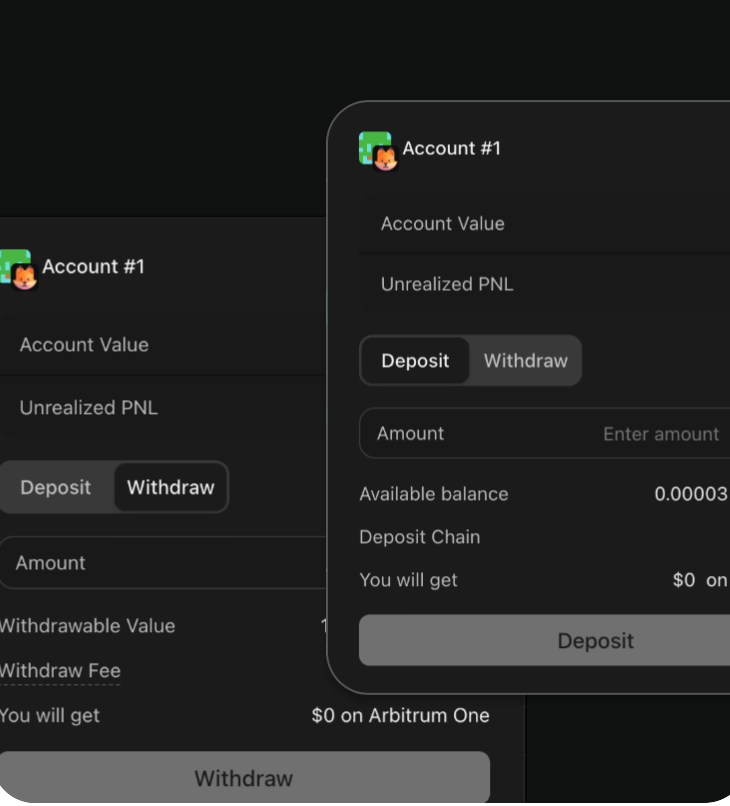
Keep self-custody as the foundation while using wallet-connected trading tools where supported.
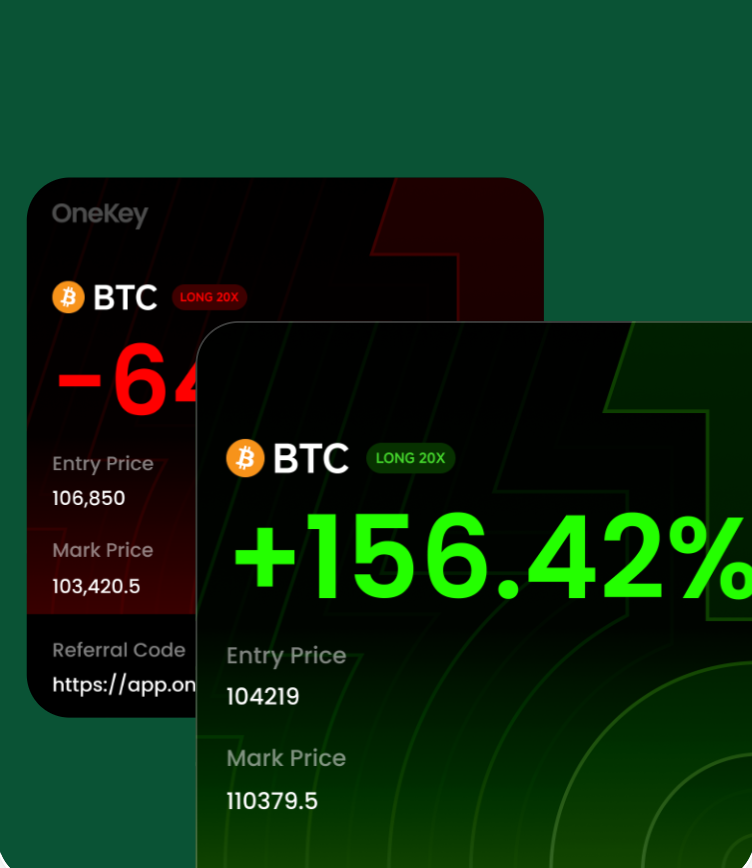
Share OneKey with others through referral programs and reward-related campaigns when available.
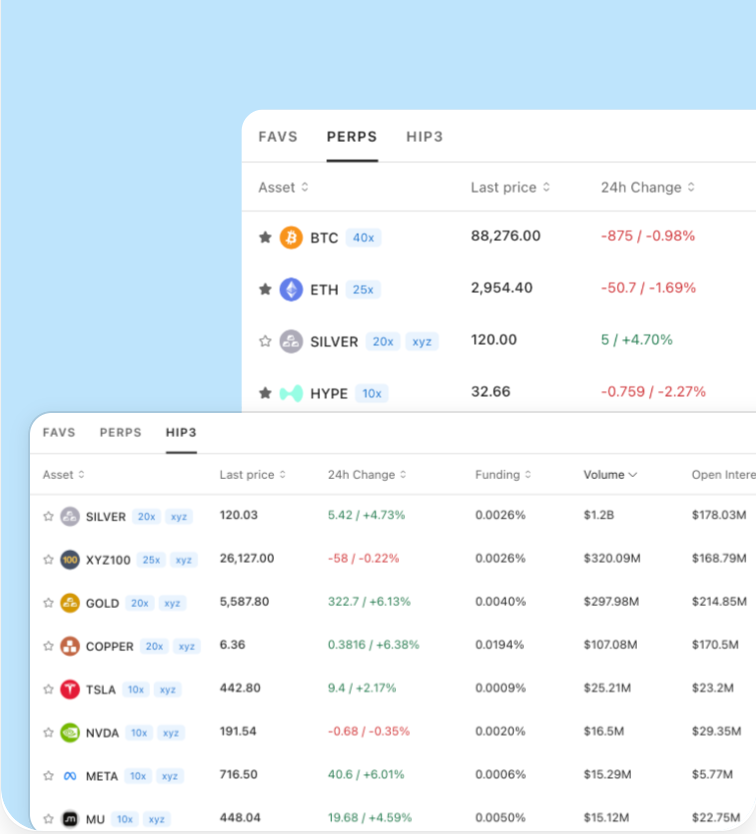
Keep account status, wallet access, and supported trading actions closer together in the app.
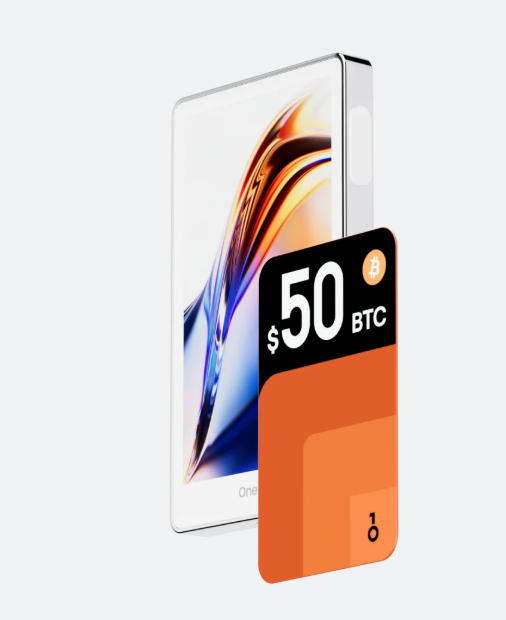
A flagship hardware wallet for clear transaction confirmation and daily crypto management.
OneKey Pro pairs with the app for account review, transaction preparation, and clear on-device confirmation.
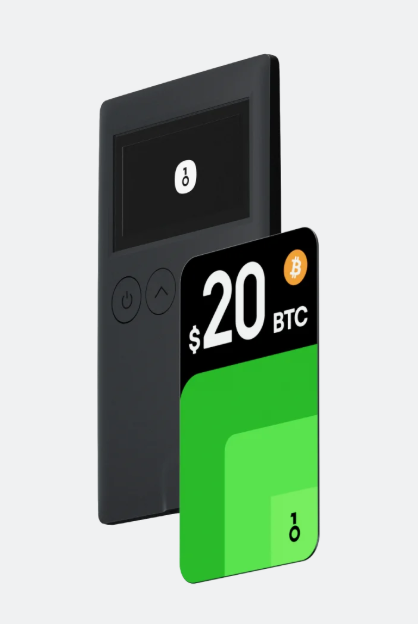
A compact hardware wallet for everyday self-custody and broad wallet workflows.
Classic 1S works well for users who want a compact device connected with OneKey App workflows.
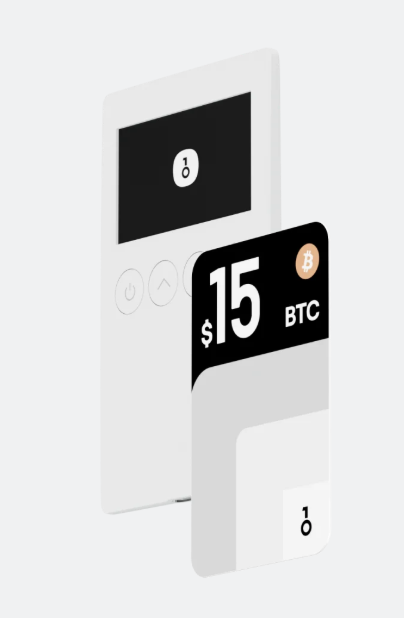
A battery-free BTC-focused hardware wallet option.
Classic 1S Pure is suited for users who prefer a focused BTC-only self-custody experience.
Learn which OneKey App version to download, how software and hardware wallets work together, and how to restore or update your wallet.
OneKey App is a self-custody wallet for managing accounts and multi-chain assets, sending and receiving crypto, connecting dApps, preparing transactions, and pairing with OneKey hardware wallets.
Yes. You can create or import a software wallet in OneKey App. You can also pair the app with a OneKey hardware wallet so private keys remain on the device and key actions are confirmed on its screen.
Yes. A complete recovery phrase can restore the same wallet accounts on another compatible device. Keep the phrase offline and never share it with websites, apps, or support agents.
OneKey publishes app, firmware, and related development repositories for public review. Users can inspect the available source code and developer documentation through OneKey's GitHub resources.